Free Online Survey Maker
Jotform Surveys is an online survey maker that helps teams create, share, and analyze surveys in one place. It is used to collect customer feedback, run research, and gather responses securely, without writing code.
Trusted by more than 35 million users worldwide, with surveys used across millions of online projects and websites.
The Jotform Survey Maker is best for teams that need to create and analyze surveys quickly without technical setup.
How to Create a Survey with Jotform
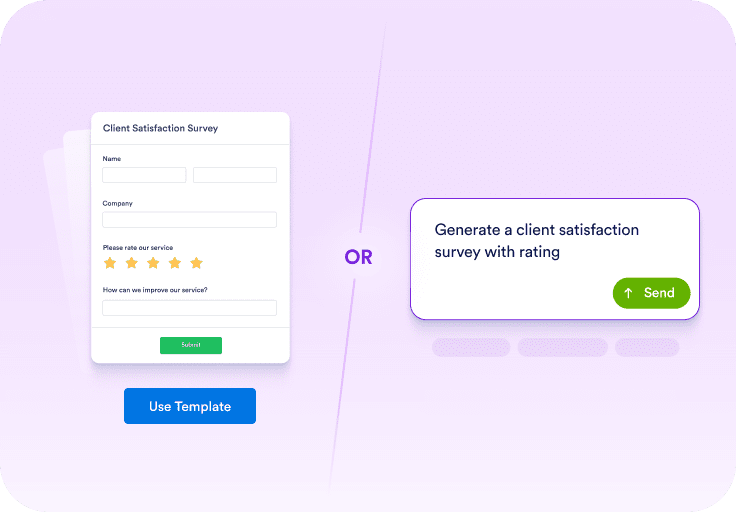
Start with a Template or a Prompt
Begin with a template if you want a ready-made structure, or use a prompt to describe the survey you want to create in plain language.
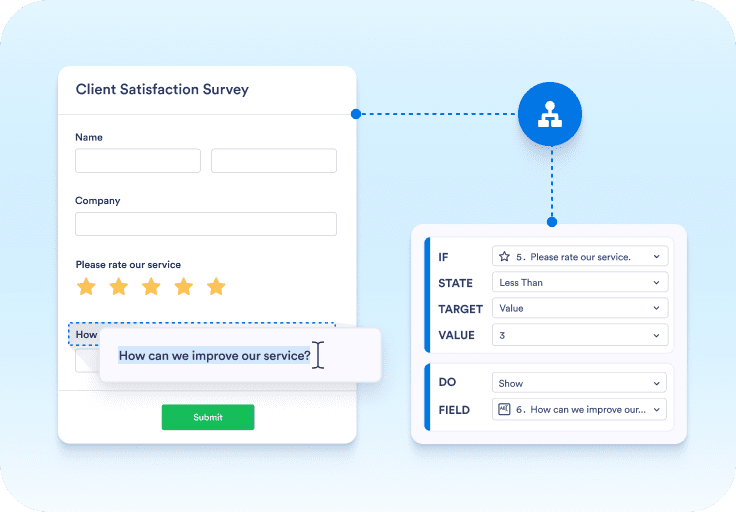
Customize Questions and Logic
Edit questions, adjust the order, and add conditional logic so people only see what is relevant. Then choose a layout and confirm it works well on mobile.
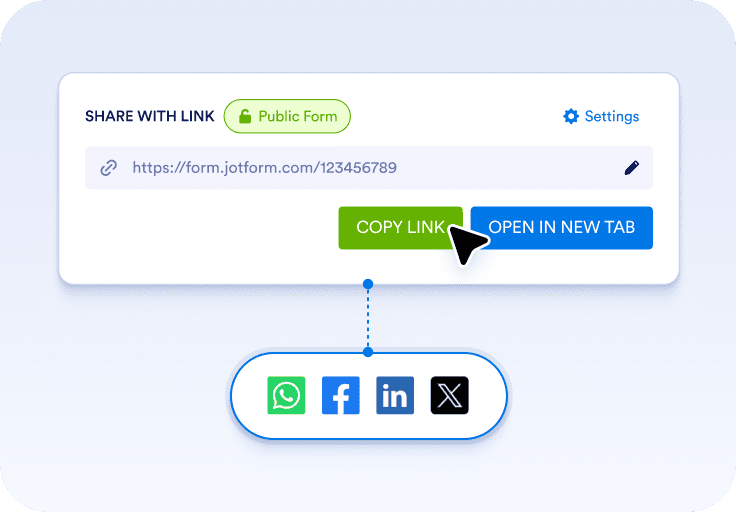
Share Your Survey and Review Results
Share your survey using a link, email invitation, or embed. Responses are collected automatically, and you can review results with built-in reports or exports.
Find Your Perfect Sample Size
Use our free calculator to find the right survey sample size in seconds and make sure your research results are statistically accurate.
Get started nowFree Survey Templates
Jotform offers 8000+ free survey templates designed for everyday use cases. Templates help you start faster and follow proven survey structures. You can choose a template, customize questions and layout, and share your survey immediately
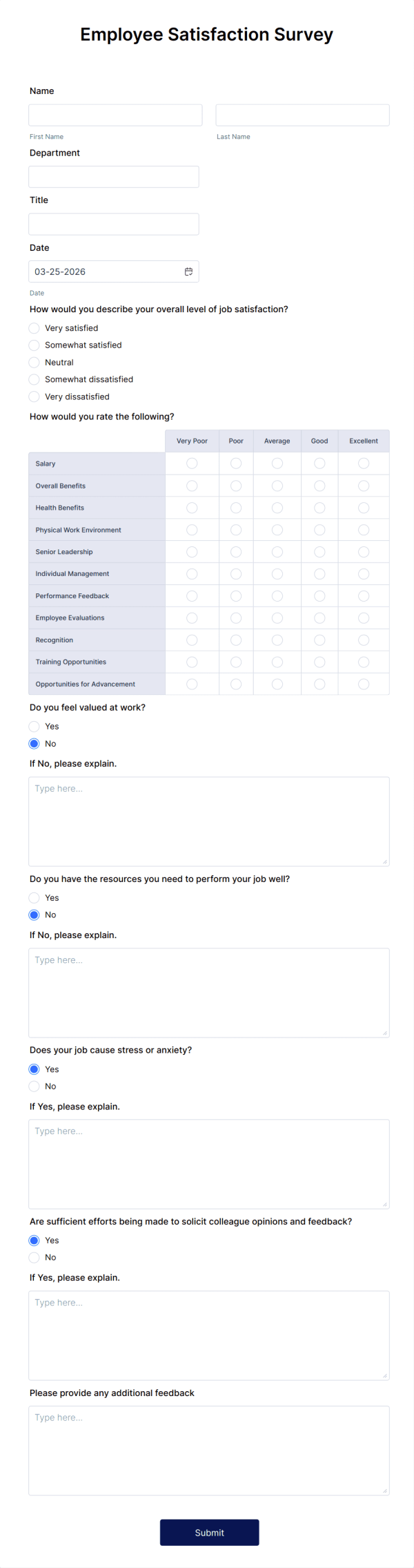
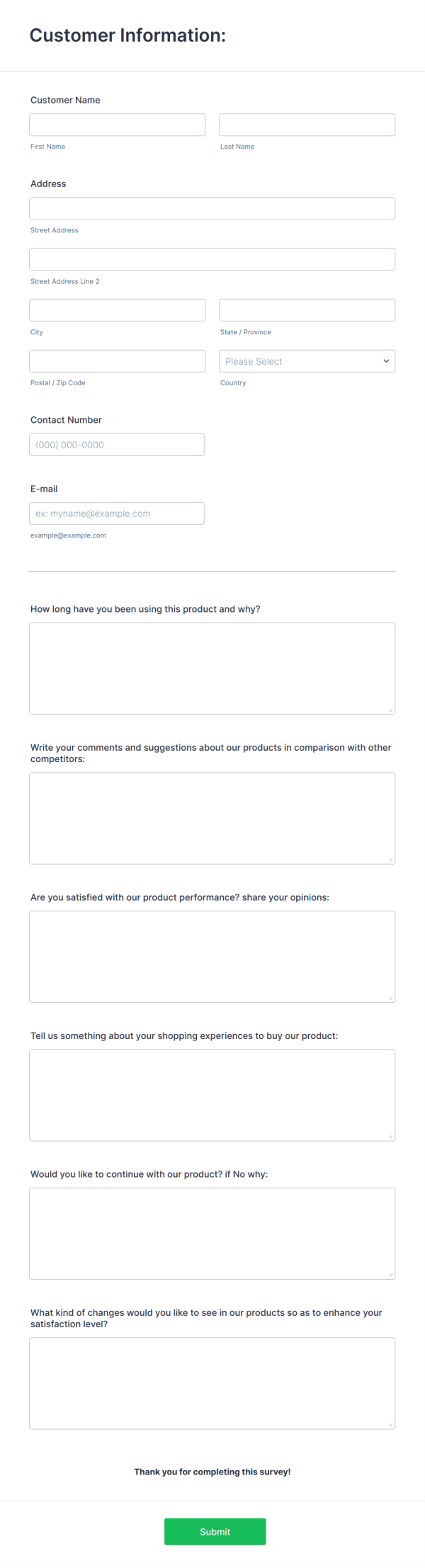
Jotform Surveys are built for any challenge
Jotform Surveys supports a wide range of survey types used by teams and organizations.
- CUSTOMER FEEDBACK
Turn feedback into better experiences

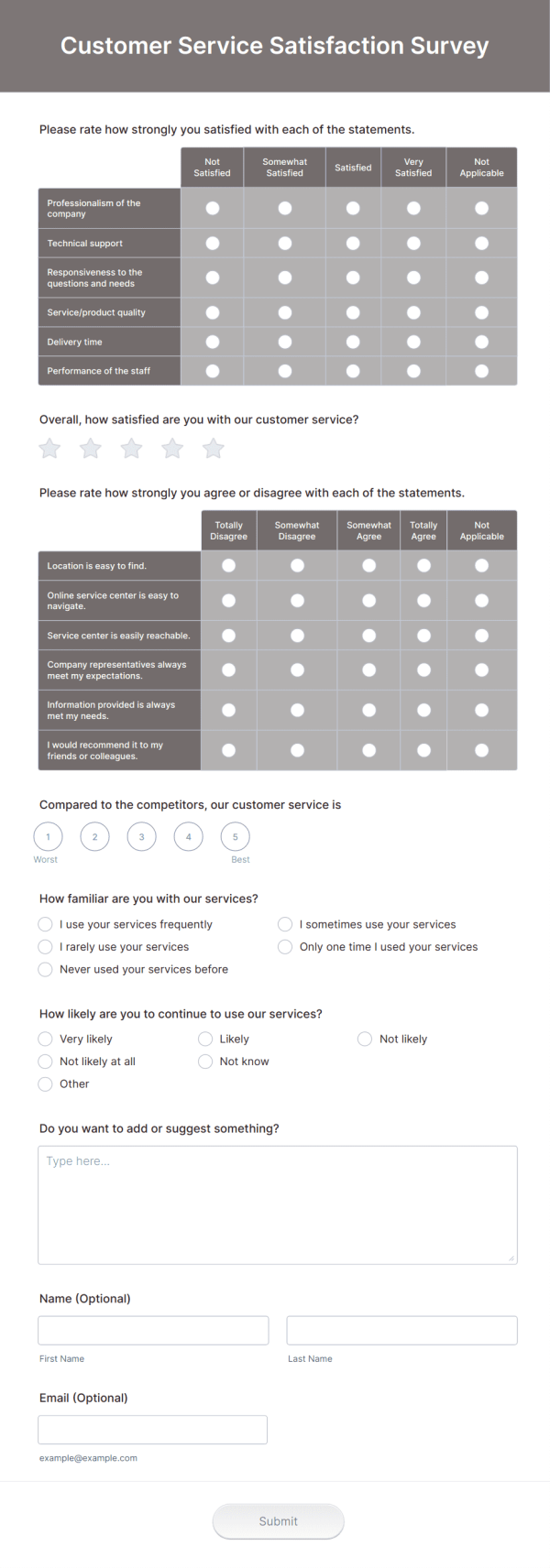
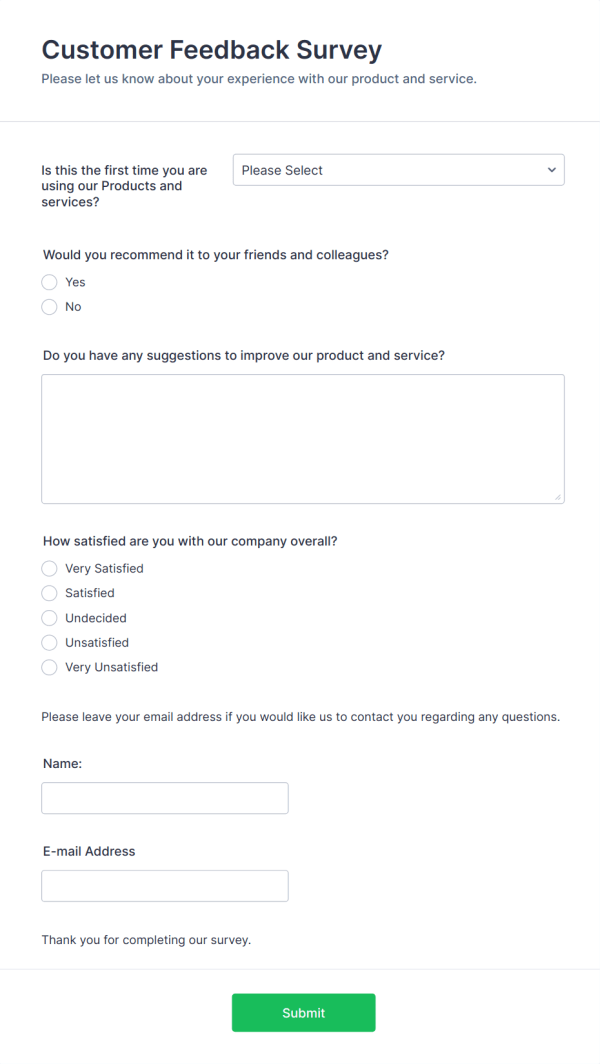
Collect CSAT, NPS, and product feedback at key moments like after a purchase or support request. Track patterns and follow up when it matters.
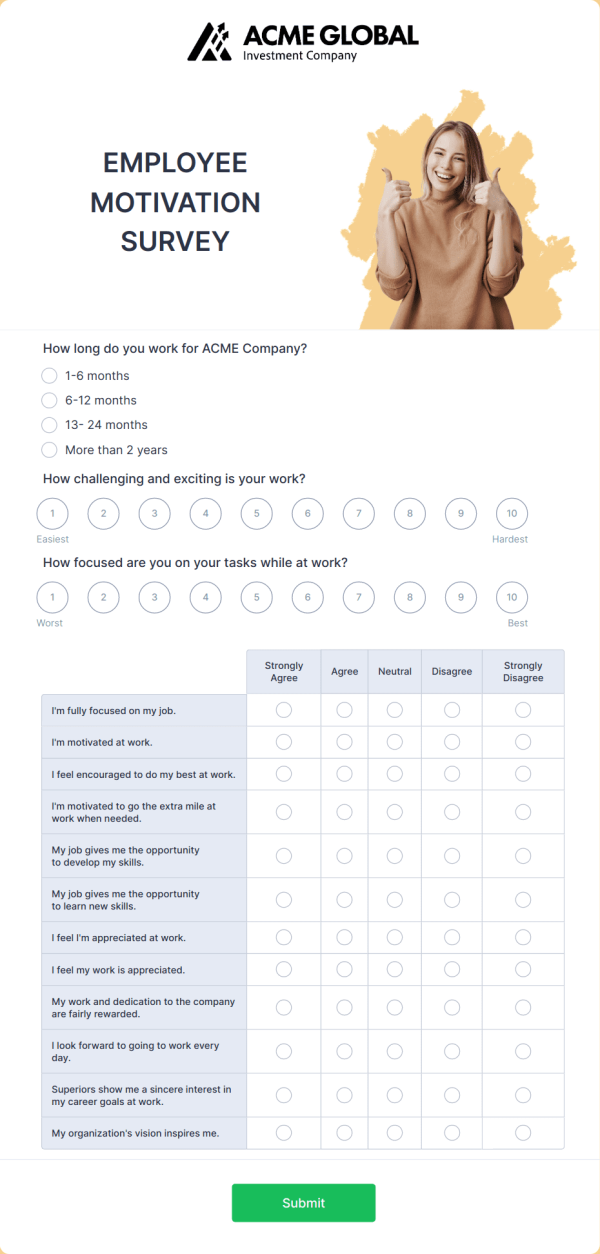
- EMPLOYEE EXPERIENCE
Build a workplace people want to stay in

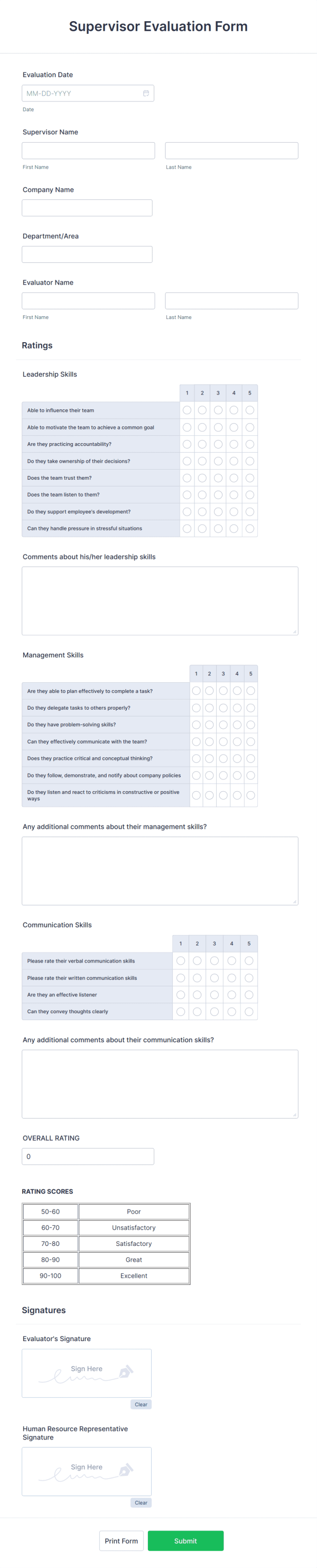
Run engagement and pulse surveys to understand what’s working and what needs attention. Use consistent questions to compare results over time.
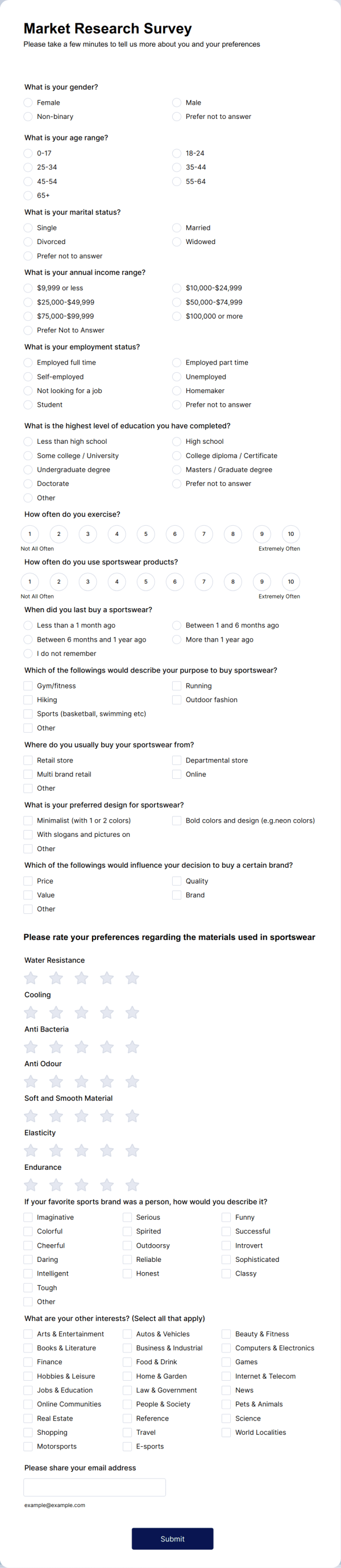
- MARKET RESEARCH
Test ideas before you commit to them

Validate demand, compare preferences, and learn what influences decisions. Segment results by audience type to spot clear trends.
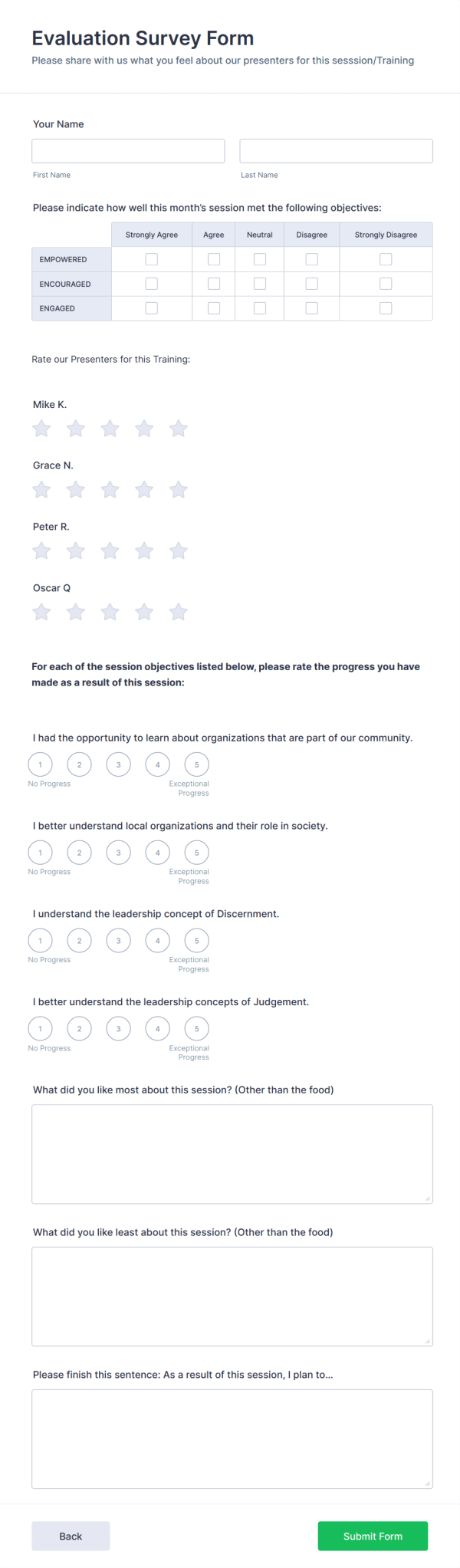
- EDUCATION
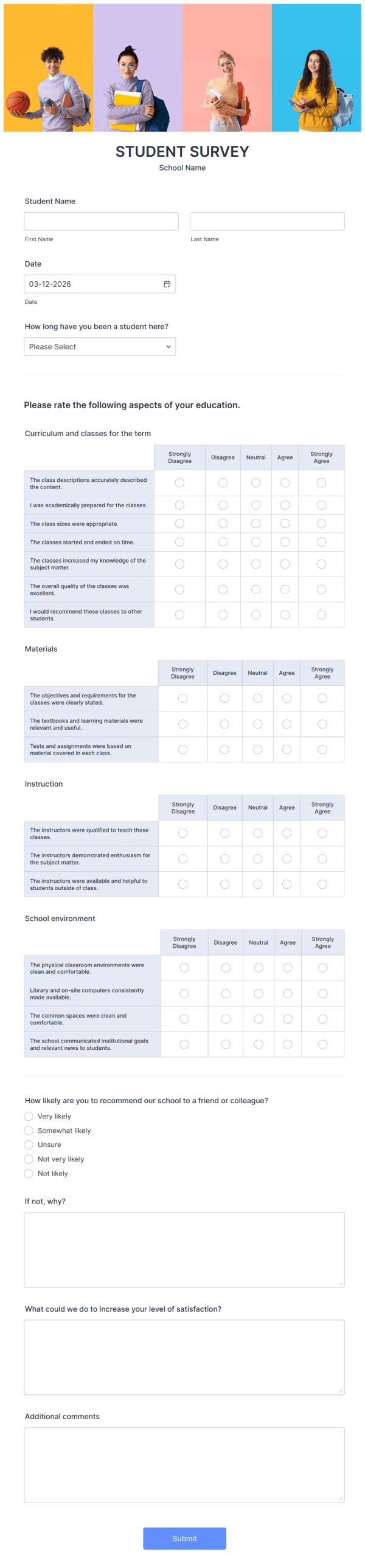
Collect feedback students will actually complete

Create course evaluations, student surveys, and program feedback forms that work well on any device. Review results quickly and share updates with teams.
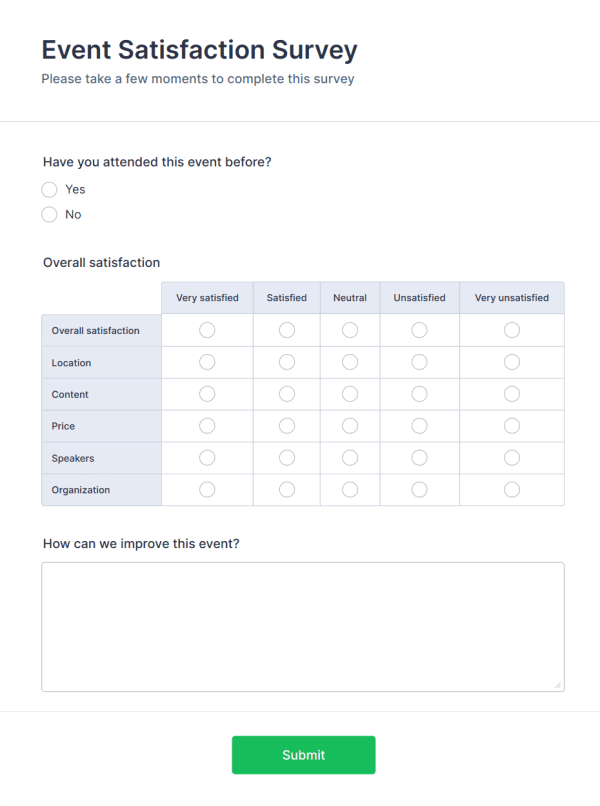
- EVENTS
Plan smarter events with real input

Use surveys for RSVPs, preferences, and post-event feedback. Understand what attendees liked and what to change next time.
- HEALTHCARE
Collect patient feedback with clarity

Capture intake details, satisfaction feedback, and follow-ups in one place. Keep surveys simple and easy to complete on mobile.






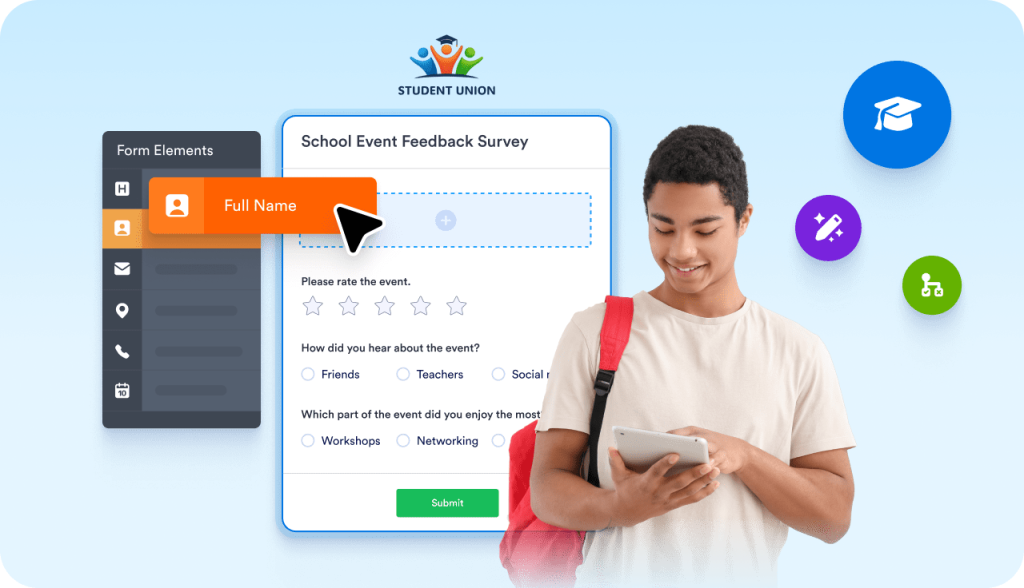
Free online survey tool for students
Get the answers you need with unlimited student survey submissions. Create custom surveys in just a few clicks with Jotform’s free survey maker for students.
Join the ProgramWhat You Can Do with Jotform Surveys
Create surveys without setup
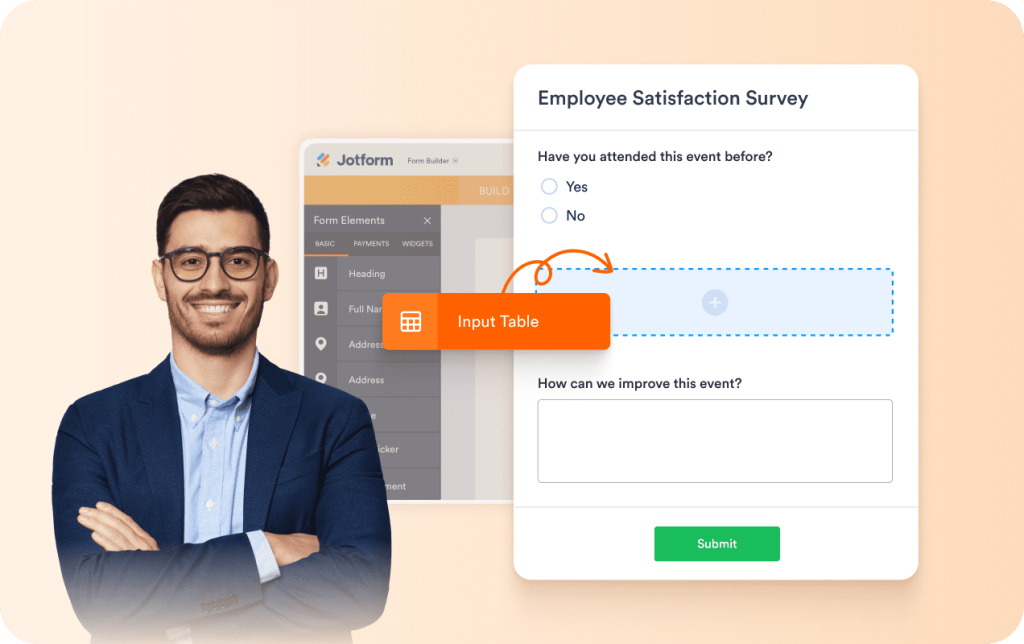
Create surveys using templates or prompts, then customize questions with a visual editor. No coding or technical setup is required, so you can start collecting responses right away.
Includes:- Drag-and-drop survey builder
- Prompt-based survey creation
- 8000+ free survey templates
- Question types for ratings, tables, and more
- Progress bar to show survey completion status
- Save and continue later for longer surveys
Collect Responses Anywhere
Share surveys online or offline and collect responses from any device. Surveys work seamlessly across desktop and mobile devices, even when an internet connection is unavailable.
Includes:- Shareable survey links
- Embed surveys on the website
- Offline survey collection with mobile apps
Ask Smarter Questions
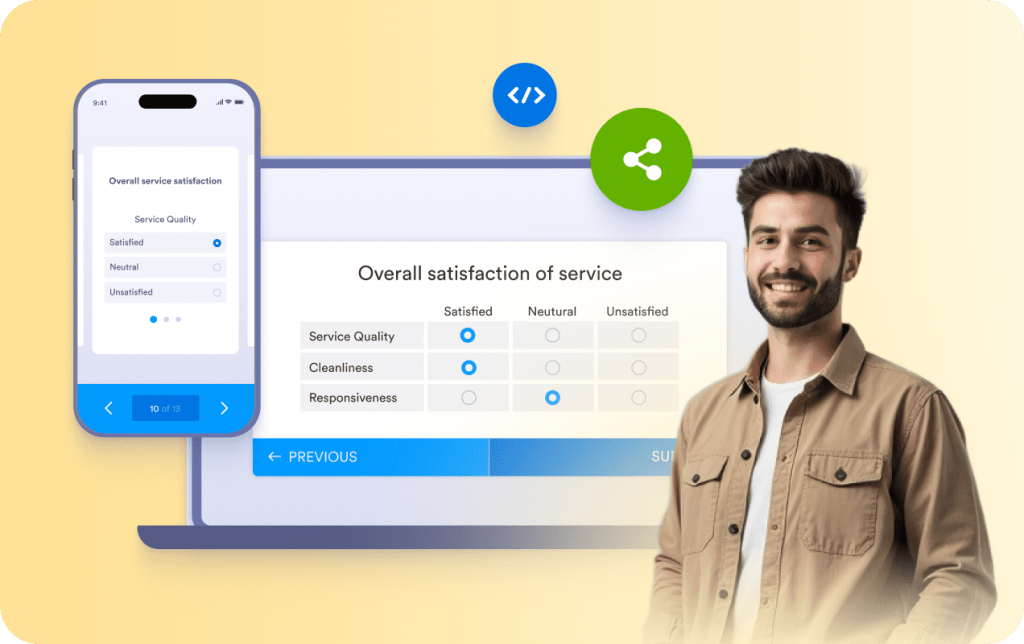
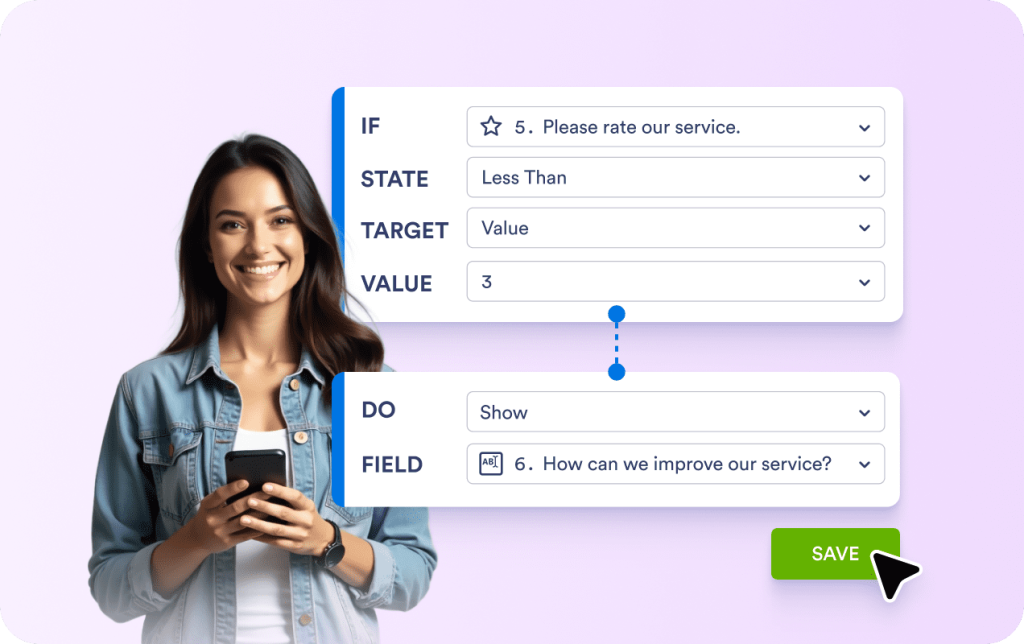
Utilize flexible question types and conditional logic to ensure surveys remain relevant and easy to complete. Only show follow-up questions when they matter.
Includes:- Multiple choice, rating scales, and open-ended questions
- Conditional logic
- File uploads, signatures, and payment fields
Analyze Results in Real Time
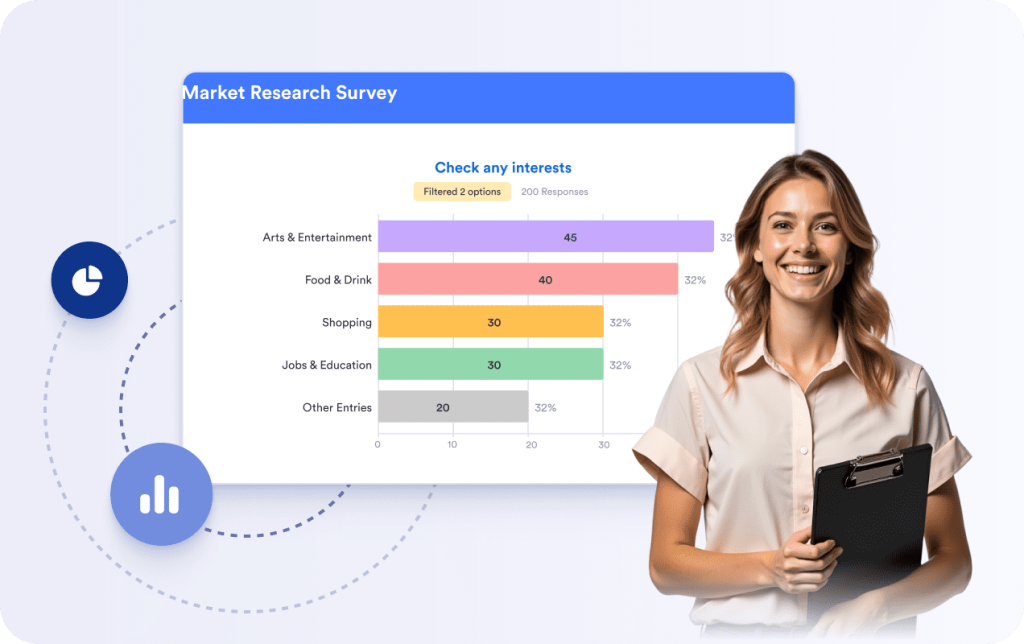
View responses as they come in and analyze data using built-in survey analytics and reporting tools. Built-in reports make it easy to review trends, share results, and export data for further analysis.
Includes:- Real-time response summaries
- Charts and filters
- Export survey results
Automate Survey Workflows
Send survey responses where they need to go and reduce manual work by connecting surveys to other tools.
Includes:- Automated email notifications
- Integrations with Google Sheets, Slack, and CRMs
- Approval workflows

Keep Survey Data Secure
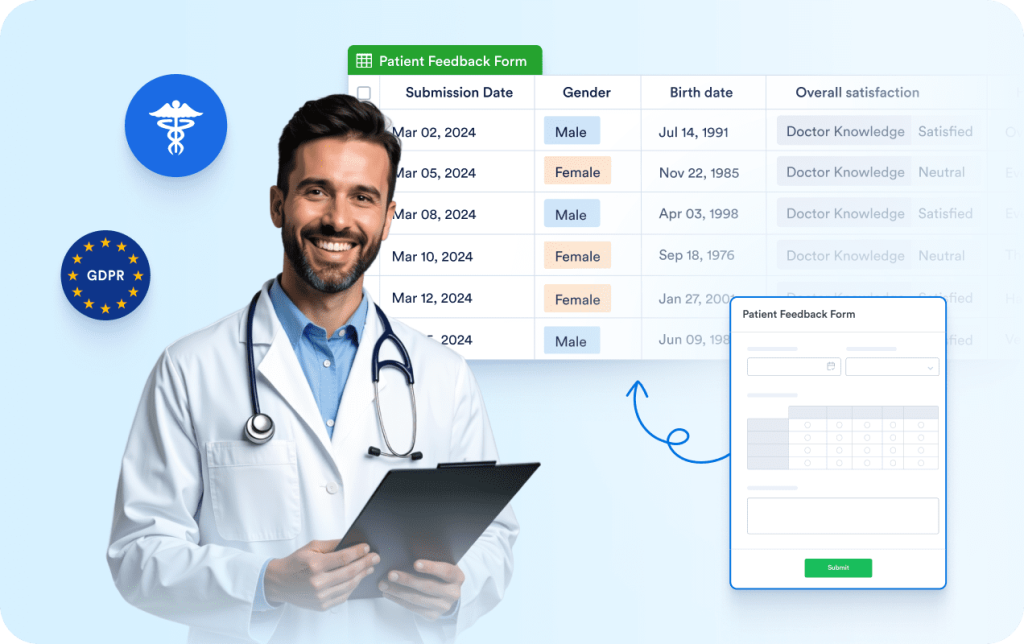
Protect responses with encryption and compliance options designed for sensitive data and regulated industries.
Includes:- SSL encryption
- GDPR-ready data handling
- HIPAA-friendly plans
How Teams Get Results with Jotform Surveys

Reach utilized Jotform surveys to gather audience feedback during peak traffic periods. They experienced a 325% monthly increase in online submissions and collected over 120,000 responses in a short period.
Read the customer story

Survey Basics
What is a survey
A survey is a structured set of questions used to collect information or feedback. Surveys are commonly used for customer feedback, research, and evaluations because responses are easy to compare and summarize.
What are online surveys
An online survey is a digital survey shared through a link, email, or embedded form. Online surveys make it easier to reach a larger audience and organize responses automatically, eliminating the need for manual data entry.
Surveys vs other data-collection methods
Surveys help reduce guesswork by systematically gathering real data. They also reduce bias and subjectivity, making it easier to aggregate responses and identify trends.
How surveys are conducted
Surveys can be conducted in person using pen and paper or mobile devices, but this limits you to people who are physically present. Many teams utilize online tools because they facilitate the distribution of surveys and enable respondents to access them on any device with an internet connection.
How to analyze survey results
After collecting responses, you can track and analyze survey data using reporting and data analysis tools. This helps turn feedback into insights that you can use to make informed decisions and drive improvements.
What our users say about Jotform
This is the best tool ever!!! When we were looking for a solution for online registrations, options that we saw involved spending thousands of dollars with no easy customization - it involved paying developers for their time! With Jotform, you can make changes yourself and don't need a whole lot of experience in developing or coding! Love it and will probably continue using it for many years to come!
In-depth guide to surveys
The sections below provide a more detailed explanation of how surveys work, when to use them, and how to turn survey responses into valuable insights. This information is intended for readers seeking a deeper understanding beyond the basics.
Why use surveys?
Surveys are a reliable method for collecting structured feedback from a large number of people. They help organizations understand opinions, behaviors, and experiences without relying on assumptions or guesswork.
Because survey questions are consistent across respondents, survey results are easier to compare and analyze. This makes surveys helpful in measuring satisfaction, identifying trends, and supporting data-driven decisions.
Common types of surveys
Surveys can be used in various situations, depending on the type of information you want to collect.
Customer surveys are often used to measure satisfaction, gather product feedback, or understand customer needs. Employee surveys enable organizations to collect internal feedback on engagement, workplace experience, and communication. Market research surveys are used to test ideas, compare preferences, and analyze demand. Education and event surveys are commonly used to gather feedback from students, attendees, or participants.
How online surveys work
Online surveys allow you to collect responses through a link, email invitation, or embedded form. Respondents can complete surveys on desktop or mobile devices, making participation easier and increasing reach.
Responses are stored automatically and can be reviewed in real time. This eliminates manual data entry and reduces the risk of errors that often occur with paper surveys.
Designing effective survey questions
Clear questions are essential for collecting accurate survey data. Questions should be written in simple language and focus on one idea at a time. Using a mix of question types, such as multiple choice, rating scales, and open-ended questions, helps capture both quantitative and qualitative feedback.
Survey logic can be used to show or hide questions based on previous answers. This keeps surveys relevant and reduces unnecessary questions for respondents.
Collecting and managing survey responses
Once a survey is shared, responses are collected automatically and organized in one place. You can track submissions as they come in and review individual responses or summaries.
Online survey tools also facilitate the management of large volumes of data, control access, and securely store responses.
Analyzing Survey Results
Survey analysis focuses on identifying patterns, trends, and key insights from collected data. Built-in reports, charts, and tables help summarize results and highlight significant findings.
Survey results can also be exported for further analysis or shared with team members and stakeholders. This helps turn raw feedback into actionable insights that support planning and decision-making.
Now that you understand surveys, you can start building one.
Templates or prompts help you move from planning to creation.
FAQ
What is a survey?
A survey is a fast and easy way to get the answers you need from clients, customers, employees, students, or coworkers. No matter your industry, a survey can be a great way to gather research that will help you better understand your audience — so you can improve your services in a way that benefits your audience and keeps them engaged.
What is a survey maker?
What is a survey maker used for?
What is a good survey response rate?
How can I create a survey on Facebook?
Are online forms safe?
Can I create a free survey?
How do I design a survey?
How many responses are needed for a valid survey?
How do I conduct a survey?
How do I create an online survey?
What is conditional logic? How do I set up survey logic with Jotform?
What are the best customer experience survey questions?
How do I increase my survey response rate?
What type of surveys or questionnaires can I create?
What types of questions should I add to my survey?
How can I analyze my survey results?
Can I create a report using my survey answers?
Can users save their survey progress and continue to fill it in later?
Can I display my survey in Kiosk Mode?
Can I assign my surveys to specific users?
Can I collect payments?
How do I add Jotform surveys to my website?
Is creating a survey in Jotform free?
How can I migrate my surveys to Jotform?
How secure is my data with Jotform?