










Feedback Widget for your website
Give visitors a simple way to send feedback from any page. Add a floating launcher, collect messages in a sidebar, and capture annotated screenshots with highlight, hide, arrow, and text tools.
How to create a Feedback widget
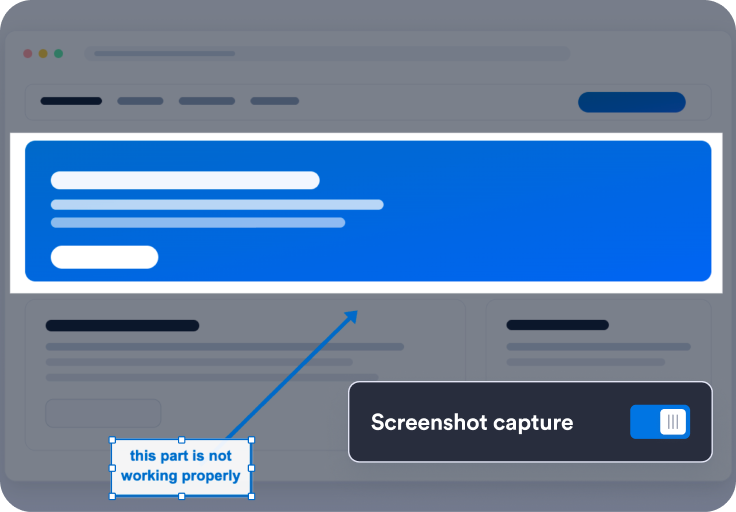
Set up your feedback flow
Choose panel copy, screenshot capture, notification email, launcher label, and thank-you messaging for feedback submissions.
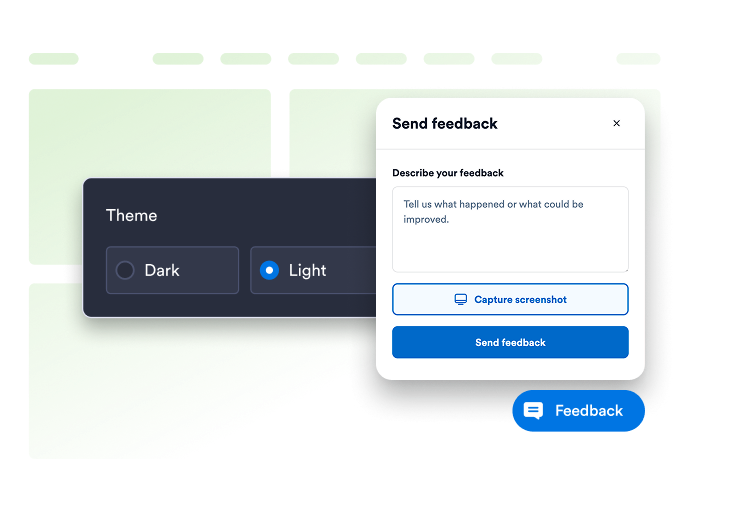
Customize launcher and panel style
Adjust theme presets, colors, typography, corner radius, panel side, launcher position, and desktop or mobile visibility to match your site.
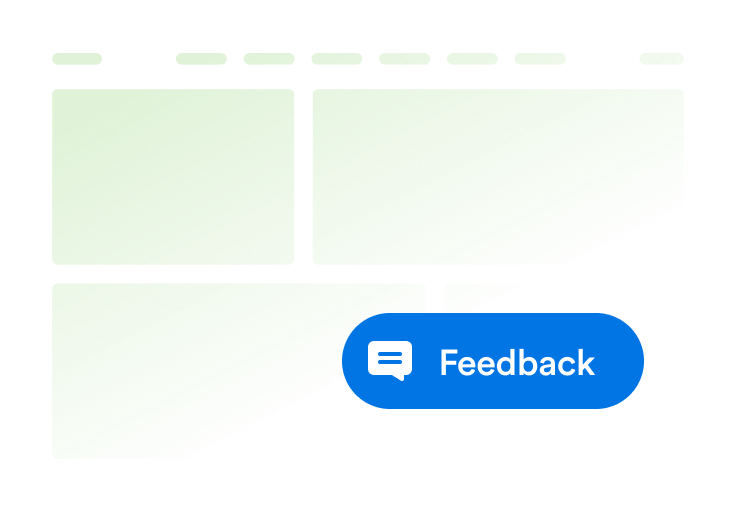
Embed it on your website
Preview the widget, copy the generated embed code, and publish the Wishbox launcher anywhere visitors may need to report issues or share ideas.
Collect clearer feedback with screenshots and a floating launcher
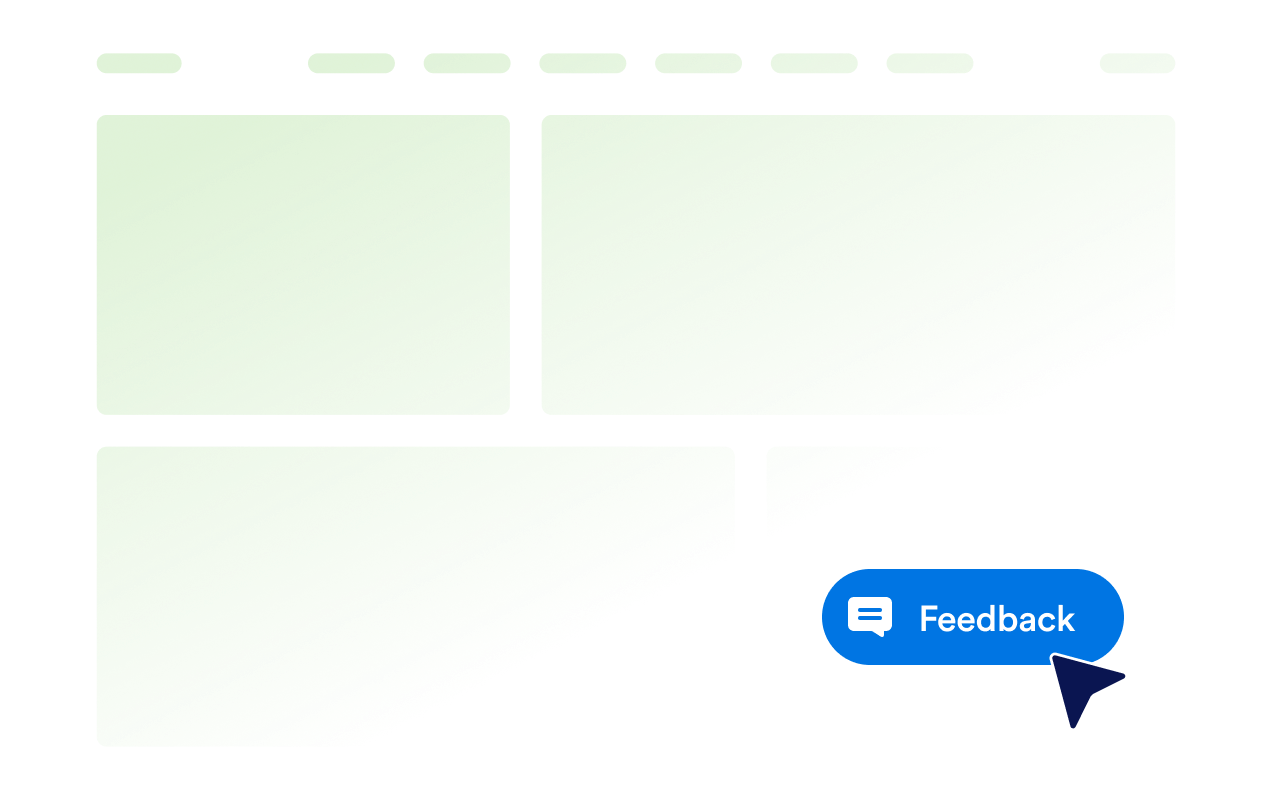
Add a floating Feedback launcher to any page
Place a branded Feedback button on the left or right side of the page so visitors can open the sidebar without leaving the page they are viewing.
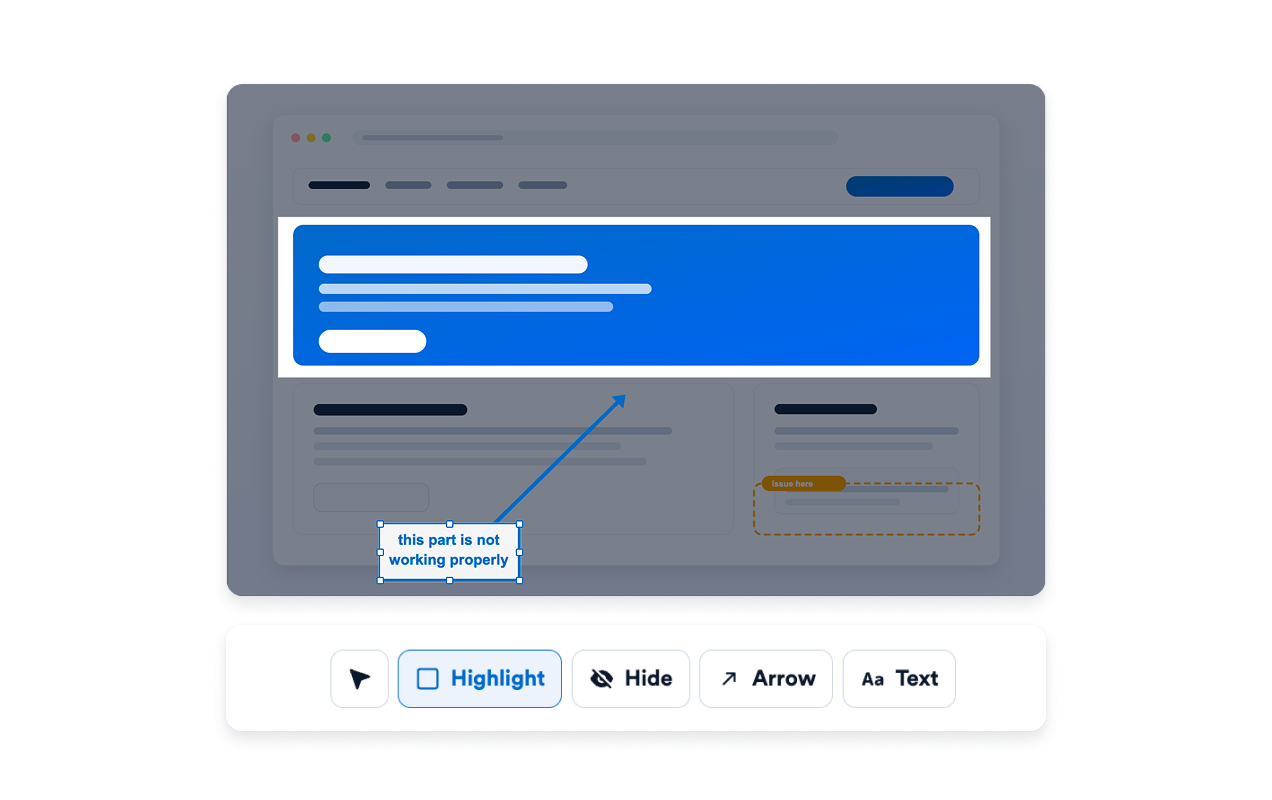
Highlight, hide, arrow, and text-annotate screenshots
After capture, visitors can open the annotation editor to highlight important areas, hide sensitive details, add arrows, or place text notes before submitting feedback.
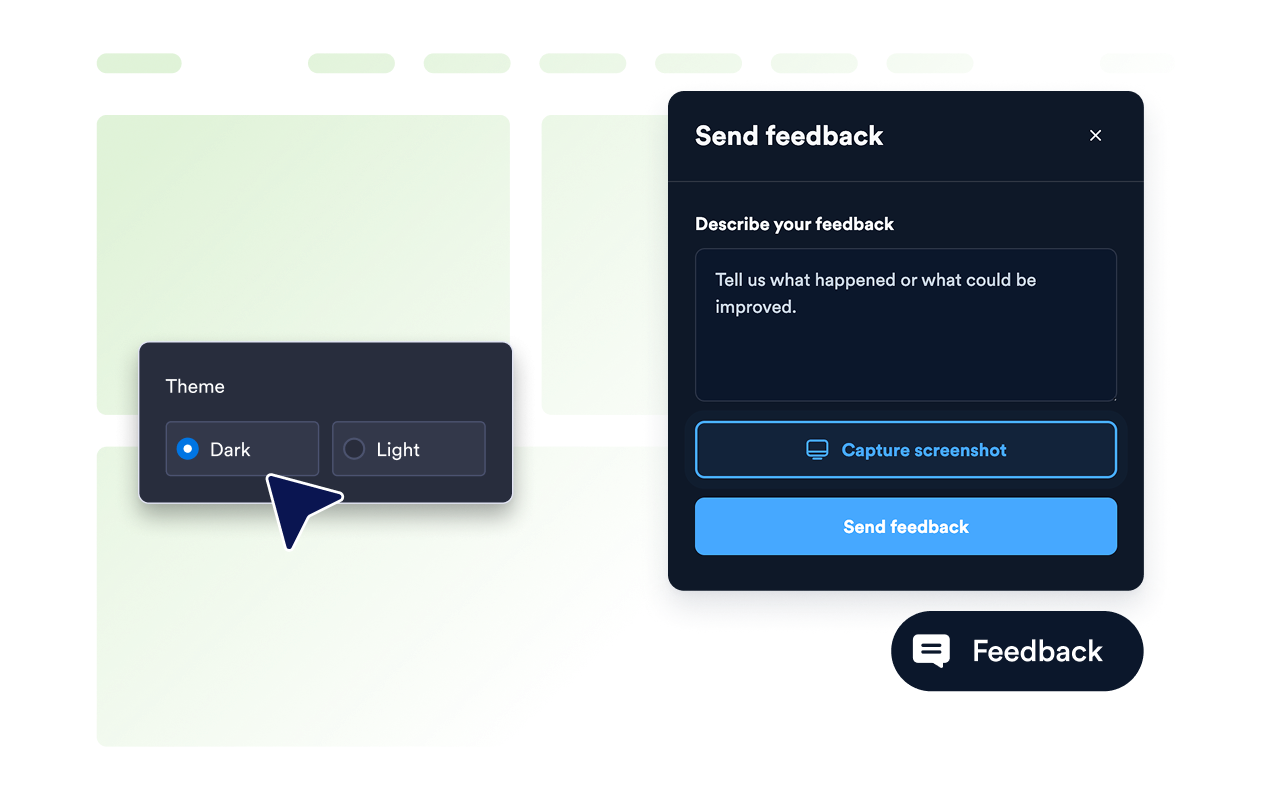
Switch between light and dark panel themes
Choose auto, light, dark, or custom theme presets, then fine-tune launcher colors, panel styling, accent buttons, offsets, panel width, and scoped custom CSS.
Why Jotform Widgets stand out
Jotform’s widgets make your website more interactive and conversion-ready. From star ratings and testimonial sliders to social proof pop-ups and media embeds, you can combine tools inside your forms or landing pages to collect data, display proof, and capture leads without writing code.
Add Jotform widgets to your website with a simple embed code. Customize the widget, preview how it looks, and paste it into any page that supports custom HTML or embed blocks to all platforms, no developer required.
Use Jotform Website Widgets to collect leads, show customer feedback, display social proof, embed media, or add helpful on-page tools. Each widget helps visitors interact with your business directly from the page.
If you need help setting up, customizing, embedding, or troubleshooting your widget, Jotform’s customer support team is available 24/7. You can move forward with confidence, knowing help is there when you need it.
Where to use your Feedback Widget
Add the Feedback Widget anywhere quick, visual feedback can help your team understand bugs, UX issues, and improvement ideas.
SaaS dashboards so users can report confusing workflows, broken states, or product ideas with screenshots.
Marketing websites to collect page-specific feedback without sending visitors to a separate contact form.
Help centers and docs when readers need to show exactly which step or screenshot is unclear.
Checkout and onboarding flows to catch friction points while visitors are still in context.
Agency and client sites as a lightweight review channel during design and launch cycles.
Internal tools where teams need a fast way to flag issues from live product pages.
Convert leads into paying customers with Jotform Form Builder
Turn engagement into action with Jotform. Create powerful forms that capture leads, collect payments, and automate responses, all in one place. Every submission lands in your Jotform Inbox, ready to follow up or connect with your favorite apps.
Get Started - It’s Free!
FAQ
What is a Feedback Widget?
A Feedback Widget is an embeddable website feedback tool with a floating launcher, sidebar panel, optional screenshot capture, and built-in annotation tools.
How does screenshot capture work?
What annotation tools are included?
Where do feedback submissions go?
Can I customize the launcher and panel?
Does it work on mobile?
Do visitors need to install anything?
Do I need to write code?