Free Website Experience Widgets for Websites

Improve navigation, accessibility, and interaction using Jotform's simple no-code builder.
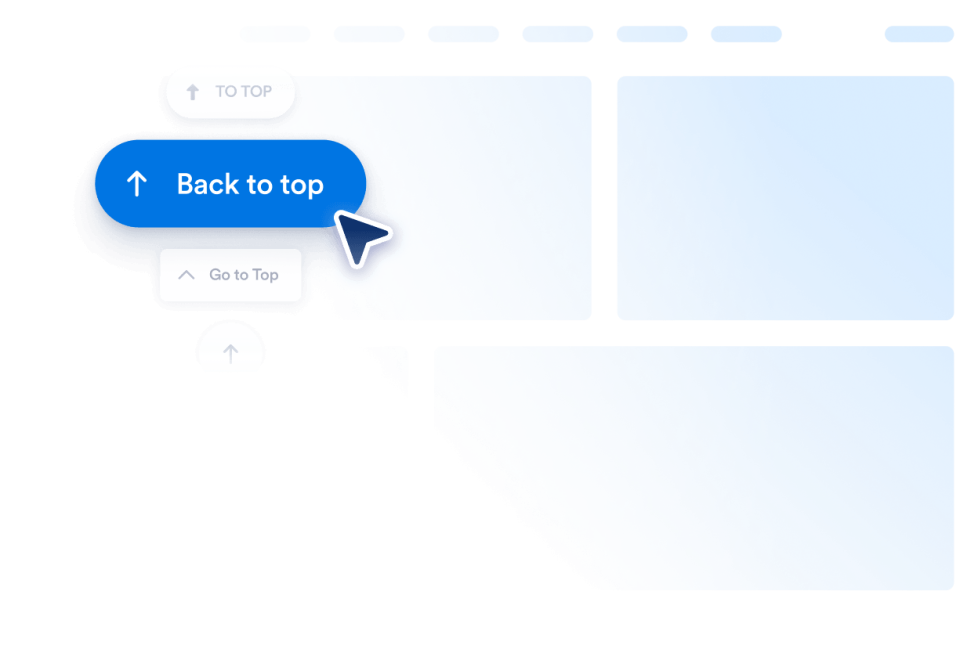
Back to Top

Add a Back to Top widget to your website in seconds. Let visitors jump to the top smoothly with a customizable, no-code button you can embed anywhere.

Go to Category:Website ExperienceUse Widget
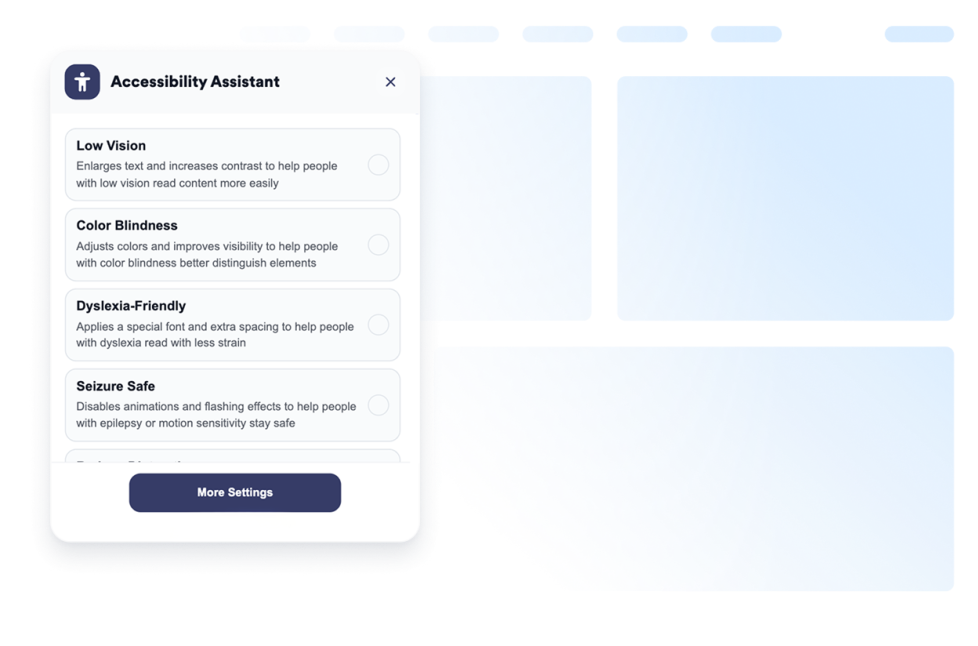
Accessibility

Add a customizable Accessibility widget to help visitors adjust contrast, text size, spacing, and motion. Offer preset accessibility modes and remember user preferences without code.

Go to Category:Website ExperienceUse Widget
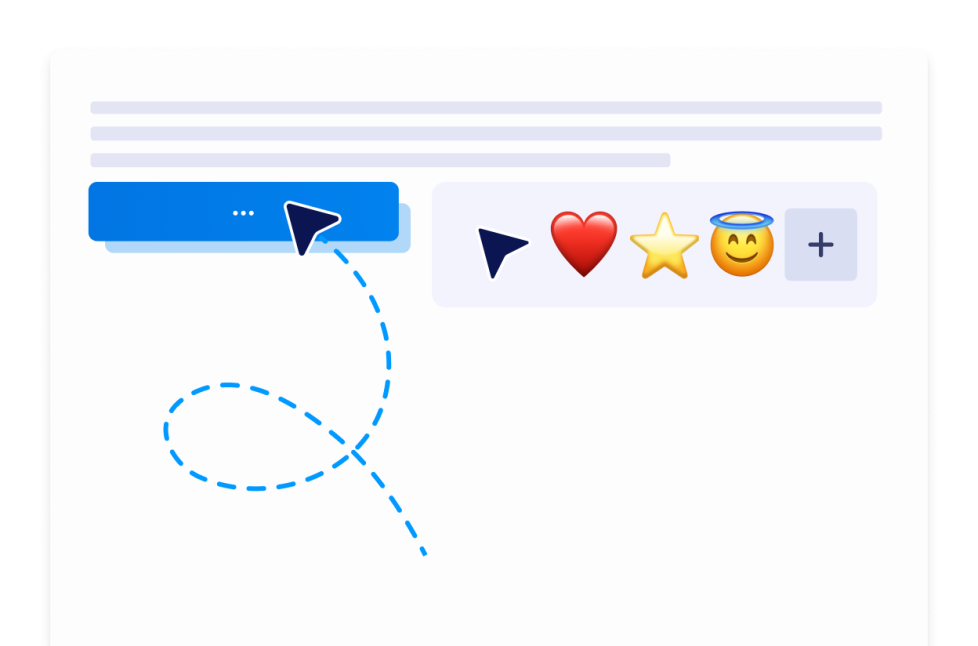
Custom Cursor

With the Custom Cursor Widget, you can choose a cursor style, customize how it looks and moves, add interactive effects, and embed it on your website without coding.

Go to Category:Website ExperienceUse Widget
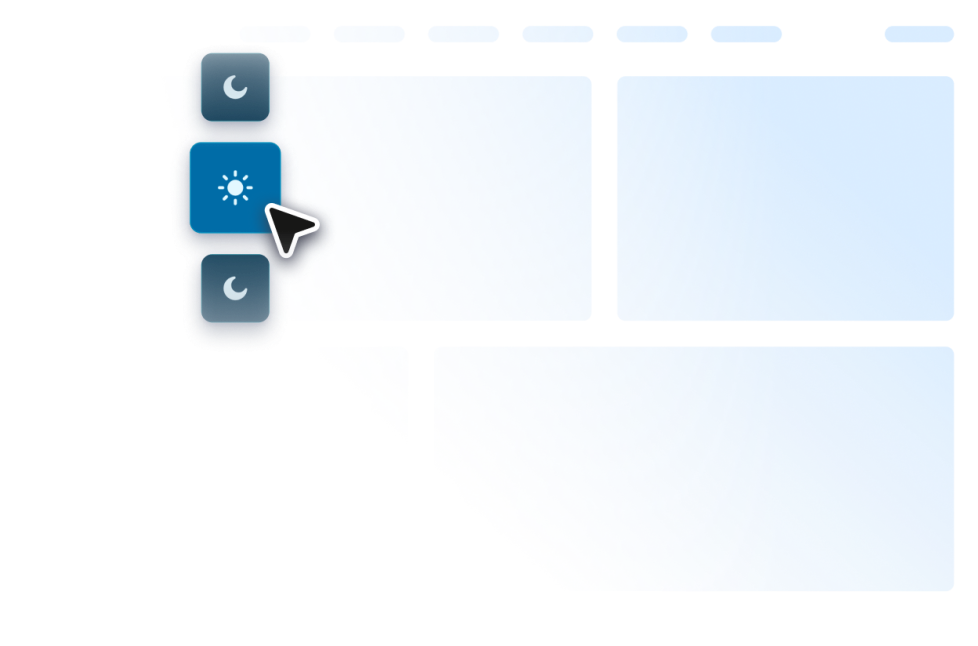
Dark Mode

Add a customizable Dark Mode Widget to your website for low-light browsing. Set colors, placement, scheduling, and styles in a no-code widget.

Go to Category:Website ExperienceUse Widget
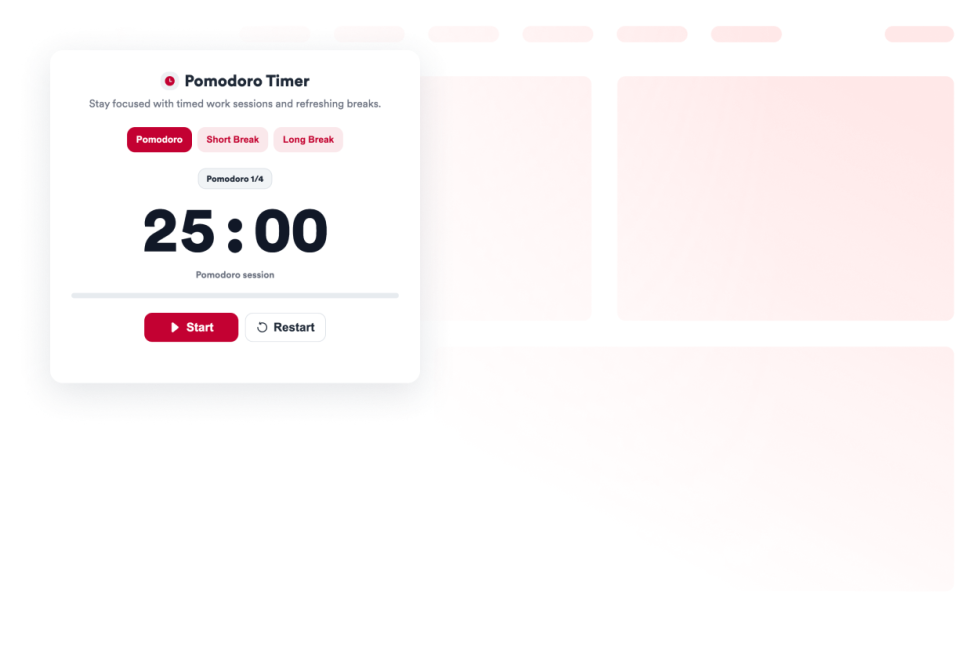
Pomodoro

Add a Pomodoro Widget to your website for focused work sessions, short breaks, long breaks, alarm sounds, and custom styling.

Go to Category:Website ExperienceUse Widget
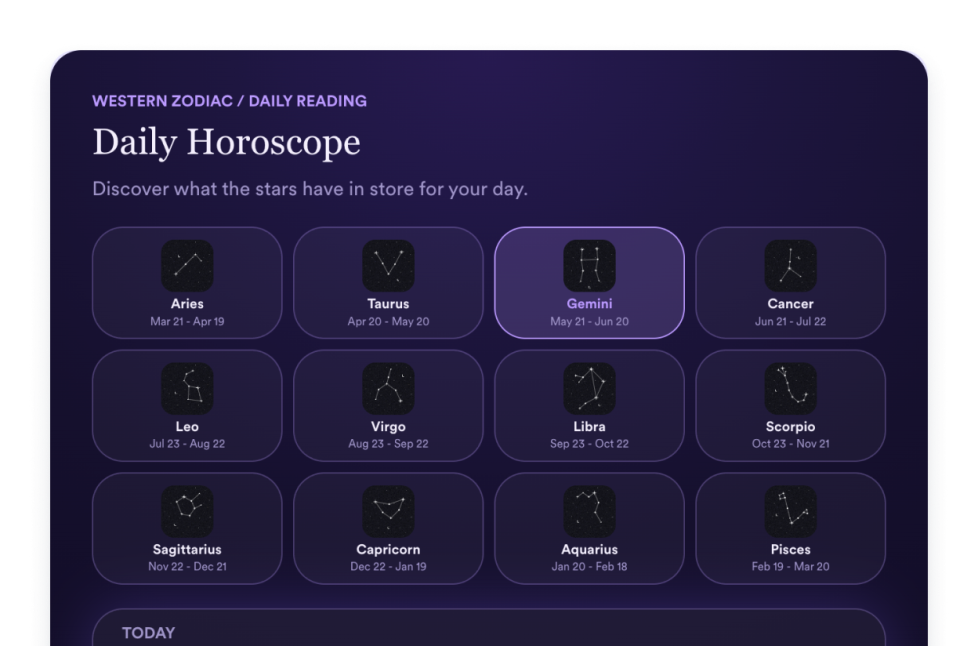
Horoscope

Add a Horoscope widget to your website to share zodiac readings, sign selectors, list, grid, slider, and featured layouts, colors, CTAs, and custom CSS.

Go to Category:Website ExperienceUse Widget
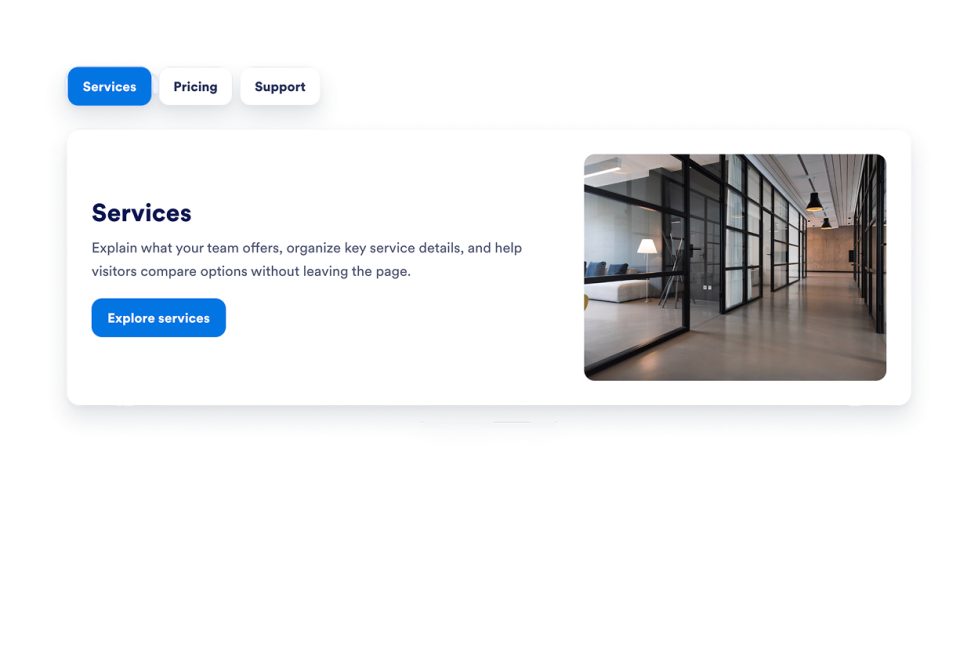
Tabs Widget

Add a customizable Tabs Widget to your website to organize content into clean, clickable sections. Build tabbed layouts for FAQs, features, pricing, menus, portfolios, and more with no code.

Go to Category:Website ExperienceUse Widget
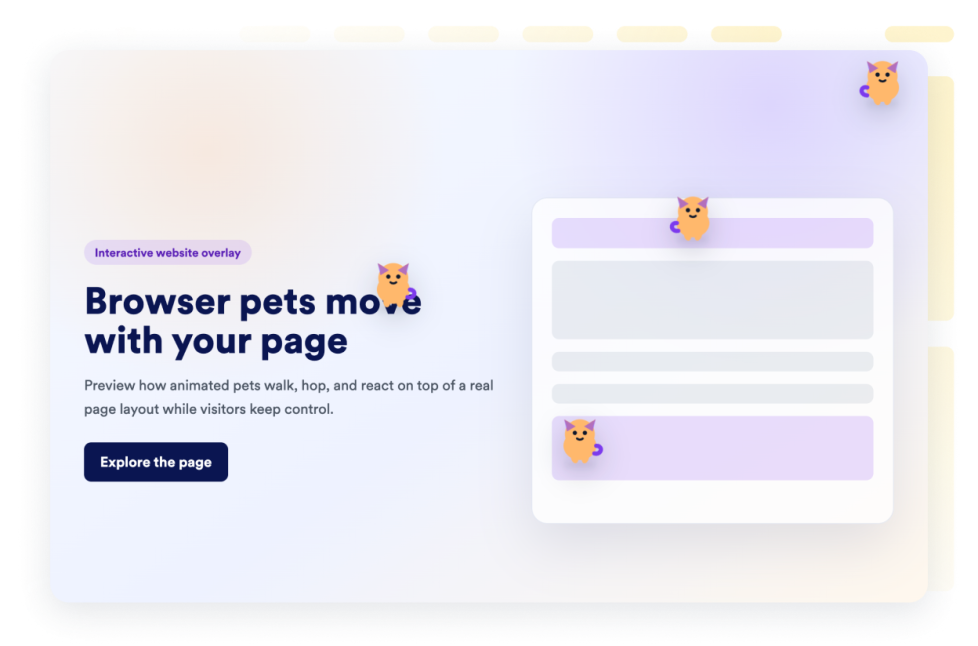
Browser Pets

Add a browser pets widget to your website in seconds. Customize the design and embed it with Jotform's no-code website widget builder.

Go to Category:Website ExperienceUse Widget
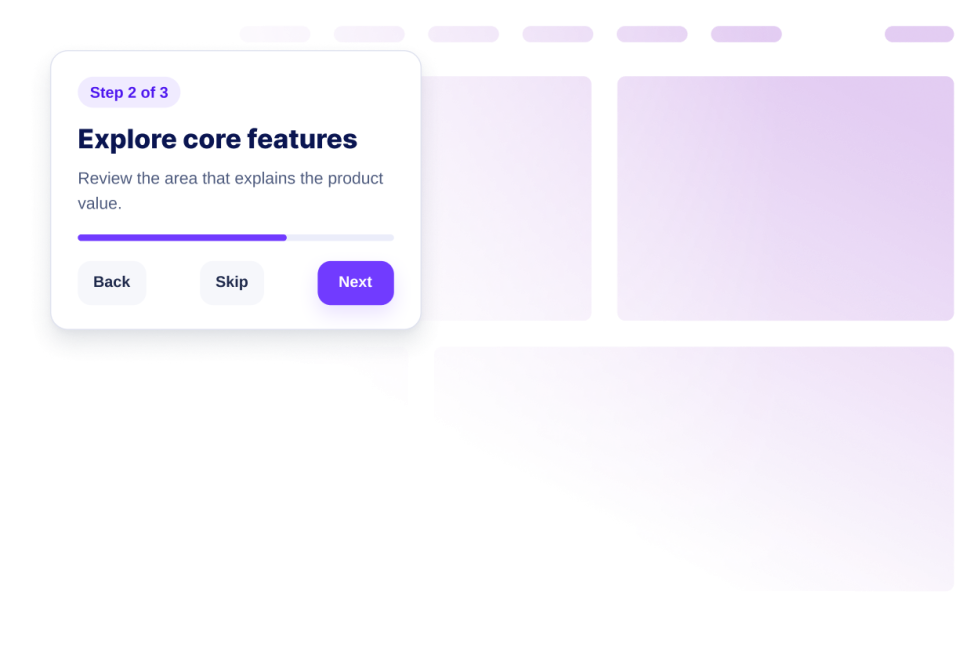
Website Tour

Create a Website Tour widget with guided steps, highlights, tooltips, launch controls, responsive display, and no-code embed setup.

Go to Category:Website ExperienceUse Widget
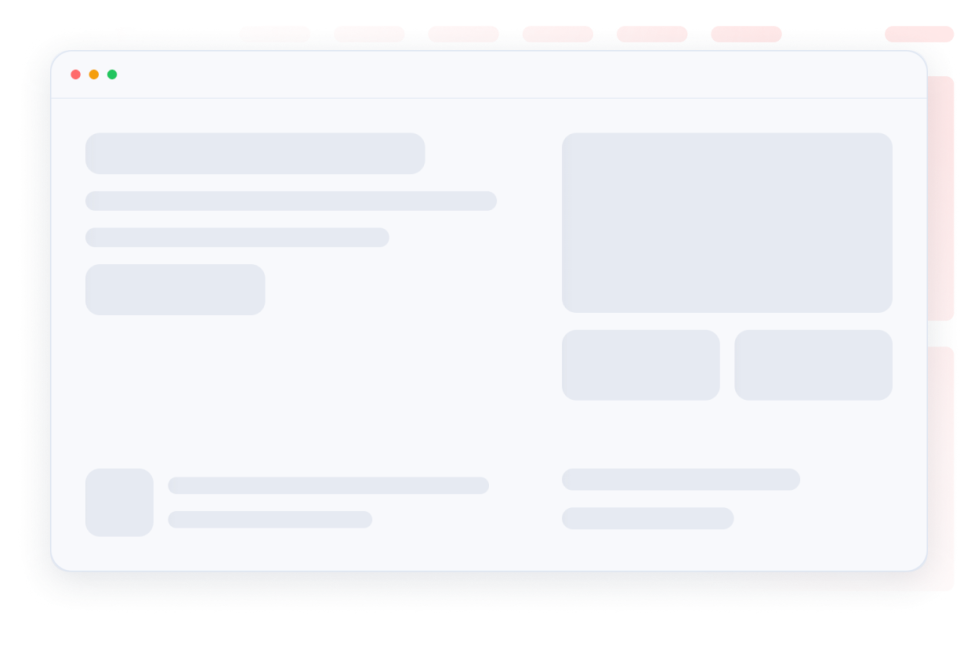
Skeleton Loader

Make loading states feel smooth with skeleton placeholders for content in the same card. Customize one skeleton color, radius, and shimmer speed and embed the widget.

Go to Category:Website ExperienceUse Widget
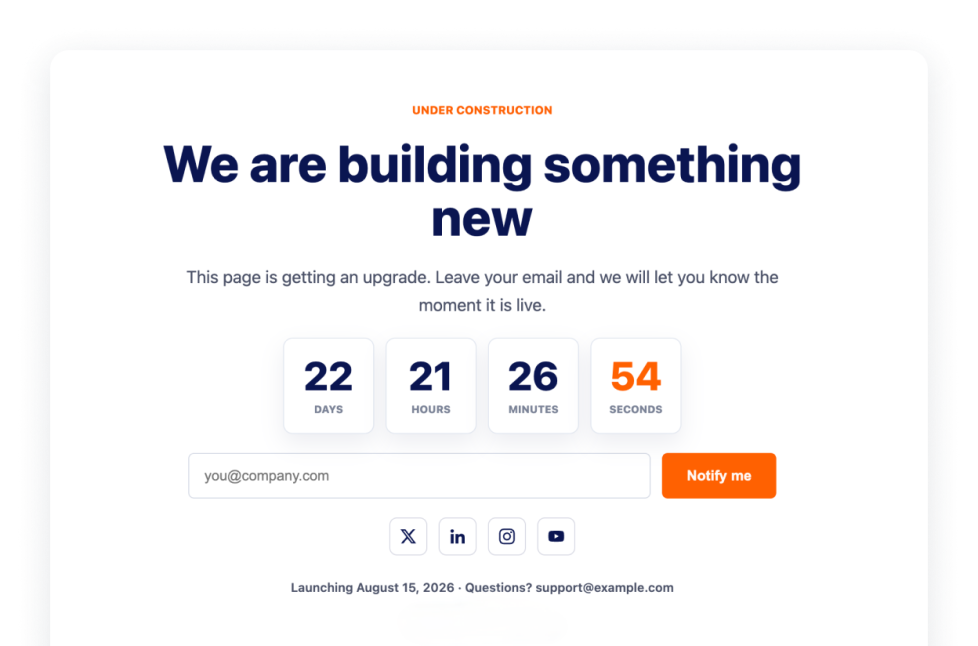
Under Construction

Let visitors know your page is under construction with the Under Construction Widget, featuring branding, social links, contact line, launch note and logo.

Go to Category:Website ExperienceUse Widget
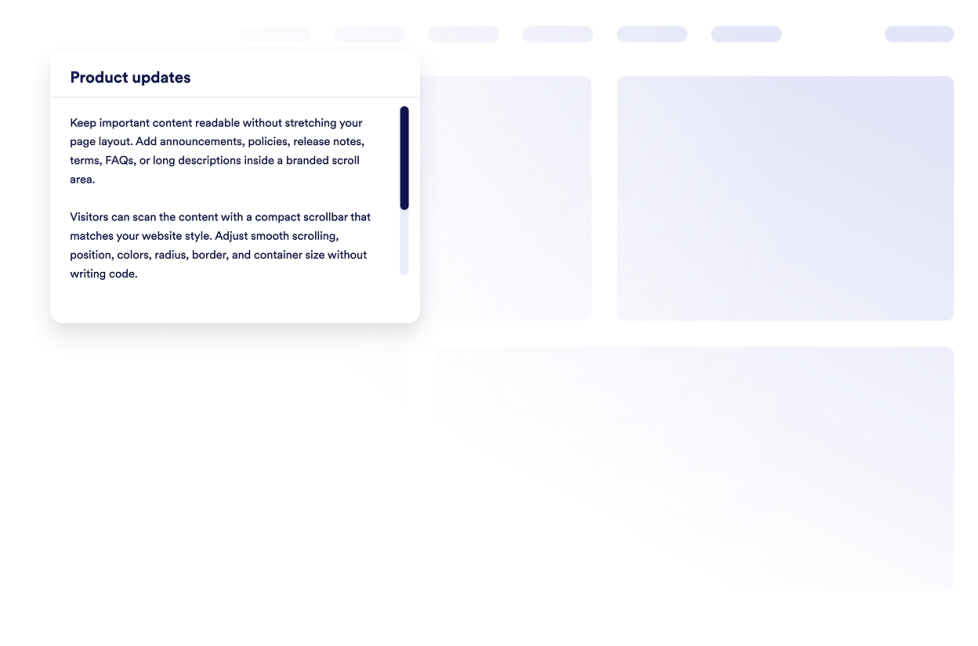
Custom Scrollbar

Add a custom scrollbar widget to your website. Create branded scrollable content areas with custom width, colors, position, border, radius, and scroll behavior.

Go to Category:Website ExperienceUse Widget
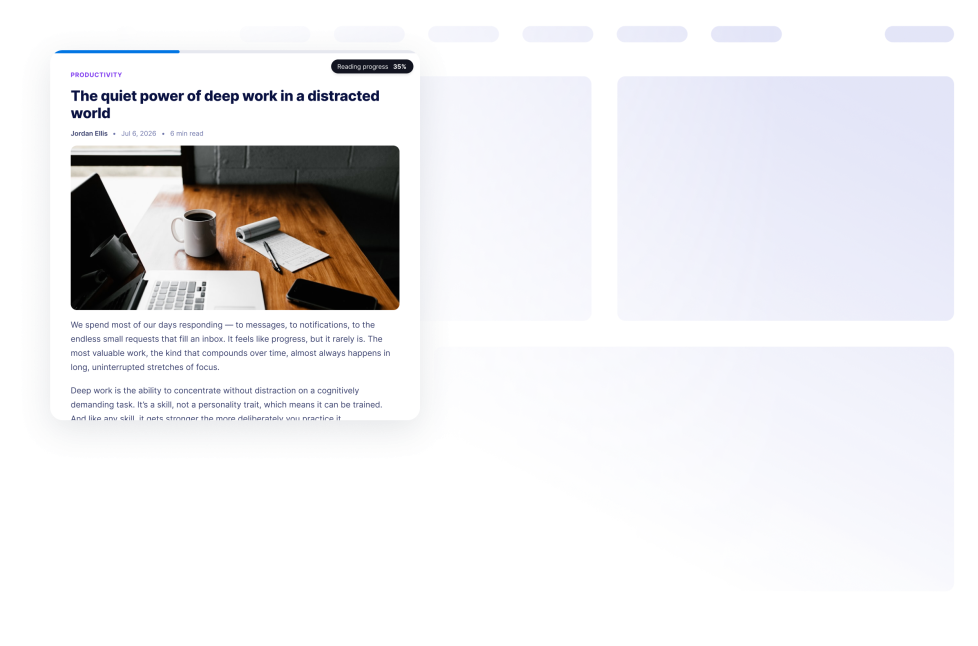
Reading Progress

Add a Reading Progress widget to your website. Show scroll progress, percentage, time left, and bar, circle, or step displays without code.

Go to Category:Website ExperienceUse Widget
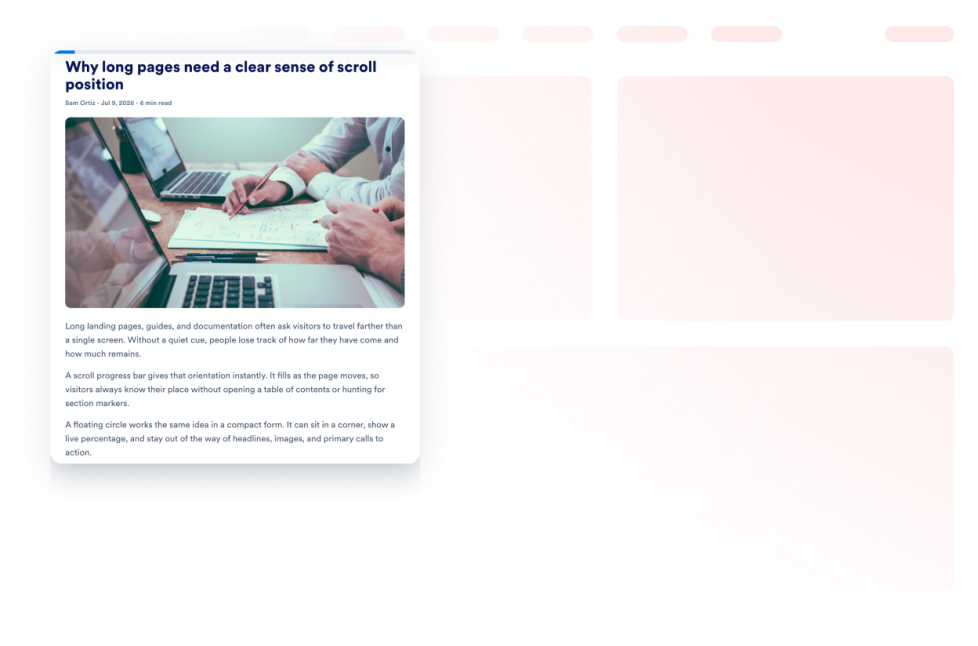
Scroll Progress

Add a Scroll Progress Indicator Widget to your website. Show a progress bar or a floating progress button, enable scroll-to-top, customize colors, and control placement on desktop and mobile.

Go to Category:Website ExperienceUse Widget
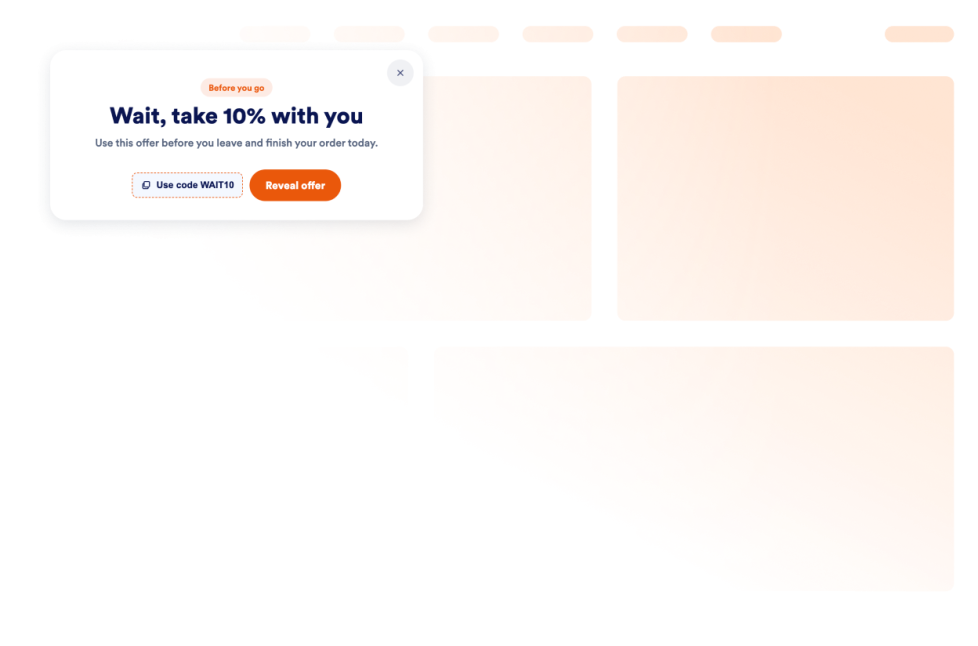
Exit Intent Popup

Add an Exit Intent Popup widget to recover abandoning visitors with offers, forms, coupons, targeting, frequency controls, and no-code embeds.

Go to Category:Website ExperienceUse Widget

About Website Experience Widgets

Website experience widgets help make websites easier to navigate, read, and interact with without custom code. These embeddable tools can improve accessibility, organize page content, guide visitors through a website, and add helpful controls for browsing.

With Jotform’s website experience widgets, you can add features such as accessibility controls, back-to-top buttons, dark mode, tabs, reading progress indicators, website tours, custom scrollbars, and exit intent popups. They can be used on landing pages, blogs, help centers, product pages, portfolios, online stores, and business websites.

What can you do with website experience widgets?

Website experience widgets can help you:

  • Improve page navigation with back-to-top buttons, custom scrollbars, and scroll progress indicators
  • Give visitors more control over readability with accessibility and dark mode widgets
  • Organize information into clickable tabs
  • Show visitors how far they have progressed through an article or long page
  • Introduce important website features with a guided website tour
  • Display an under-construction message while a page is being prepared
  • Add interactive elements such as a custom cursor or Pomodoro timer
  • Present a message, form, coupon, or offer with an exit intent pop-up
  • Create a more useful website experience without building new features from scratch

Popular website experience widget use cases

Website experience widgets can support different visitor needs across a website. A Back to Top widget can help people navigate long articles, resource pages, and product listings. A Reading Progress widget can show progress, percentage, or estimated time remaining as visitors move through longer content.

An Accessibility widget can let visitors adjust options such as contrast, text size, spacing, and motion. A Dark Mode widget can provide an alternative viewing option for low-light browsing, while a Tabs widget can organize FAQs, services, pricing information, menus, or portfolio content into compact sections.

Businesses can also use a Website Tour widget to introduce key page features through guided steps and tooltips. An Exit Intent Popup widget can display a form, coupon, offer, or message when a visitor is preparing to leave the page.

Easy website widgets for any team

Embeddable website experience widgets can be useful for small businesses, creators, agencies, educators, nonprofits, bloggers, online stores, and website owners who want to improve their pages without relying on a developer or designer.

With Jotform, users can select a widget, customize its content, settings, and design, preview the result, and copy the embed code. The code can then be added to a supported website editor or HTML section without custom code.

This enables different teams to add navigation controls, accessibility options, content sections, guided instructions, and interactive page features while keeping the widget consistent with the rest of their website.

Related guides

To learn more about setting up and managing widgets, users can read Jotform’s guide on managing website widgets. The guide explains that users can create new widgets, edit existing widgets, copy embed codes, control widget visibility, and organize their widget assets from the My Website Widgets page.

Website Experience Widgets FAQ

What are website experience widgets?

Website experience widgets are embeddable tools that improve how visitors browse and interact with a webpage. They can support navigation, accessibility, readability, content organization, guided browsing, and other on-page interactions.

What types of website experience widgets are available?

Available options include Accessibility, Back to Top, Custom Scrollbar, Custom Cursor, Pomodoro, Tabs, Dark Mode, Reading Progress, Under Construction, Exit Intent Popup, Scroll Progress, and Website Tour widgets. Each widget supports a different part of the visitor experience.

Where can I use website experience widgets?

You can use these widgets on landing pages, blogs, help pages, product pages, portfolios, online stores, educational websites, and business websites. Choose a widget based on what visitors need to read, find, or do on the page.

Do website experience widgets require coding?

No. You do not need a developer or designer to add a Jotform website widget. You can customize the widget, copy the embed code, and add it to your website without custom code. The exact placement method depends on the website platform or page editor you use.